
Description
A client reported that after installing latest CUs, they are unable to create or modify SharePoint list forms in SharePoint Designer.
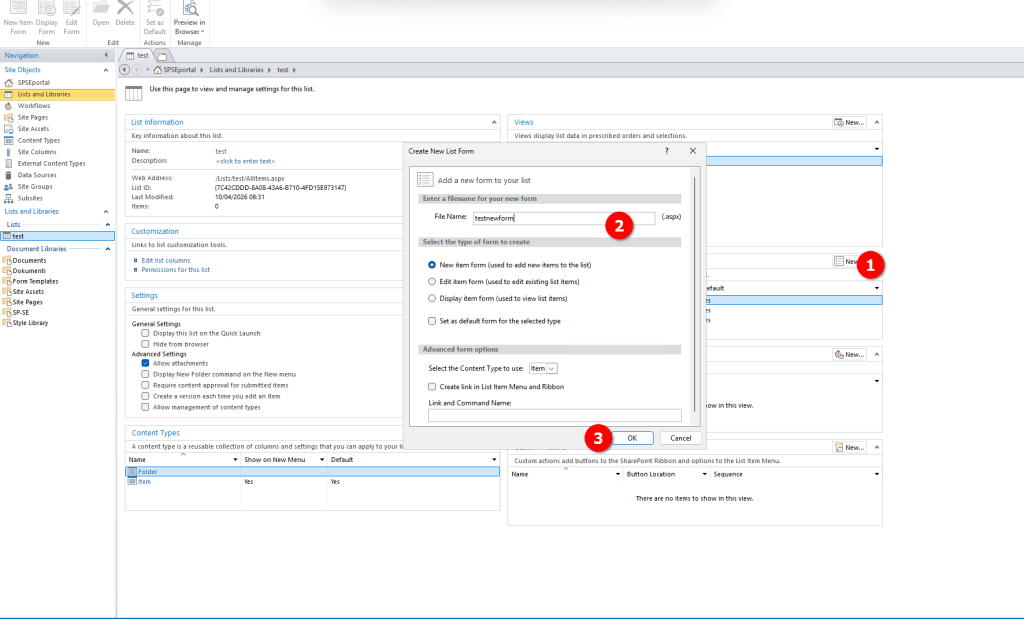
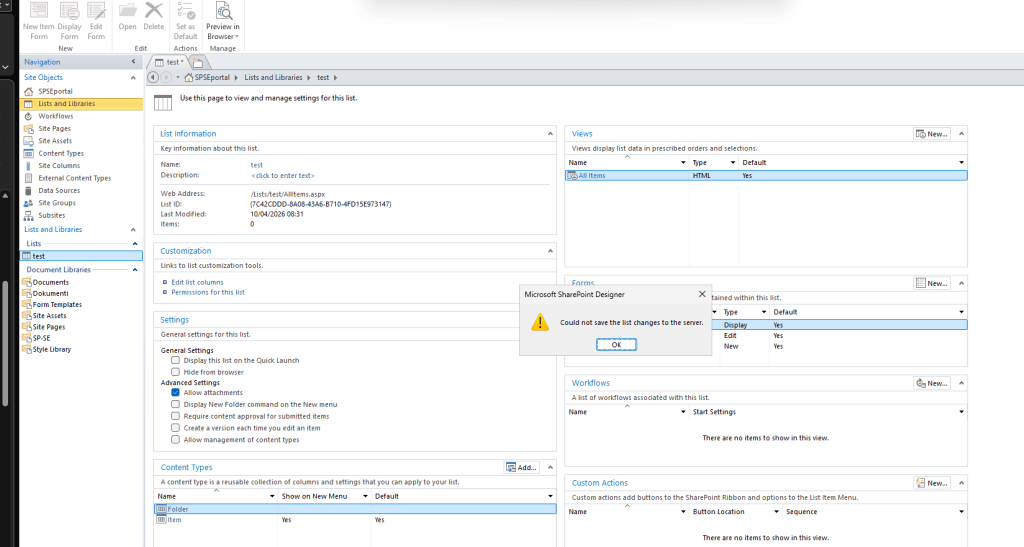
When you are trying to create a new form in SharePoint Designer, you get an error in SPD with message “Could not save the list changes to the server”
Error popup
ULS logs
ULS log on SharePoint Server you will find entries like:
Failed to GetType for TagMapping tagType xsl:stylesheet.
Getting Error Message for Exception Microsoft.SharePoint.WebPartPages.WebPartPageUserException: The file you imported is not valid. Verify that the file is a Web Part description file (*.webpart or *.dwp) and that it contains well-formed XML.
at Microsoft.SharePoint.WebPartPages.WebPartImporter.CreateXdoc(XmlReader reader)
at Microsoft.SharePoint.WebPartPages.WebPartImporter..ctor(SPWebPartManager manager, XmlReader reader, Uri webPartPageUri, SPWeb spWeb)
at Microsoft.SharePoint.WebPartPages.WebPartImporter.Import(SPWebPartManager manager, XmlReader reader, Boolean clearConnections, Uri webPartPageUri, SPWeb spWeb)
at Microsoft.SharePoint.WebPartPages.ToolPane.GetPartPreviewAndPropertiesFromMarkup(Uri pageUri, String webPartMarkup, Boolean clearConnections, SPWebPartManager manager, SPWeb web, MarkupOption markupOption, Boolean bConvertWebPartFormatBehavior, Boolean prependRegisterDirectivesToMarkup, WebPart& frontPagePart, String& markupStorageKey, String& frontPageZoneId, WebPartImporter& webPartImporter, List`1& registerDirectiveDataList, IServerDocumentDesigner& documentDesigner, Boolean blockPropertyTraversal)
This has now been confirmed as bug in January 2026 CU and Hotfix is currently being developed. There is no workaround for this issue.
Will keep you posted when I get some additional info on this matter.
 Rob3r70 SharePoint Blog
Leave a comment